A 1 App Builders
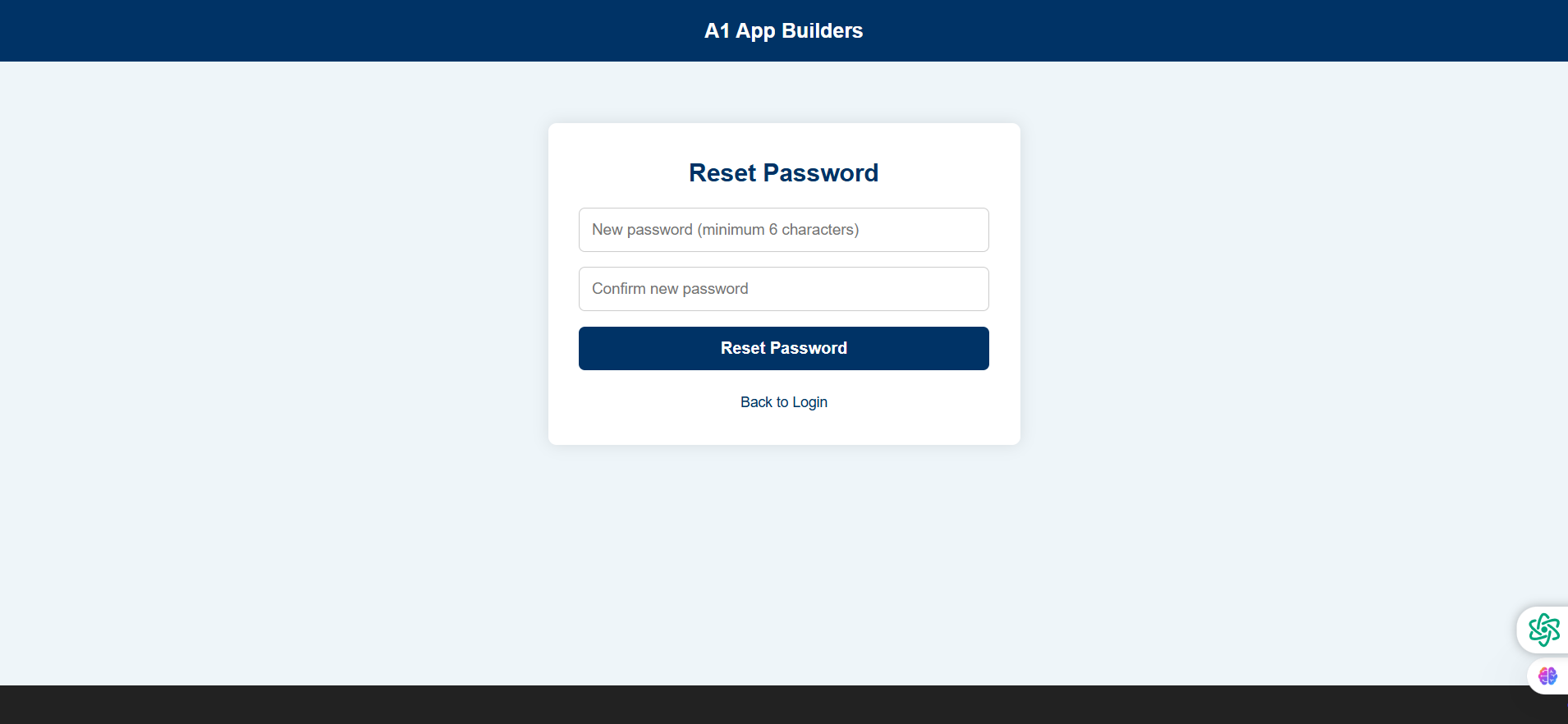
Access the A1 App Builders Password Reset Form—the secure password change interface where users create their new account credentials. This focused form features two password input fields for entry and confirmation, a prominent reset button, and a "Back to Login" link, ensuring users can successfully update their password with proper validation and security requirements.
The layout emphasizes security through password confirmation matching, minimum character requirements (6 characters), and clear instructions that guide users through creating a strong new password for their account.
🌟 Key Features:
- Page Header: Consistent branding featuring:
- Dark blue header bar with "A1 App Builders" logo
- Maintains brand presence throughout recovery flow
- Professional color scheme reinforcing trust
- Clean typography matching authentication interfaces
- Form Card Container: Centered password change interface with:
- White rounded card with shadow effect
- "Reset Password" headline in navy blue
- Minimalist design focusing on essential inputs
- Responsive layout adapting to device sizes
- New Password Field: Primary credential input featuring:
- Light background input box
- Placeholder: "New password (minimum 6 characters)"
- Clear minimum requirement communication
- Password masking for security
- Confirm Password Field: Verification input with:
- Matching light background styling
- Placeholder: "Confirm new password"
- Ensures user typed intended password correctly
- Standard password reset best practice
- Reset Password Button: Primary action featuring:
- Dark navy blue button with white text
- "Reset Password" clear action-oriented copy
- Full-width design preventing mis-clicks
- High contrast ensuring visibility
- Back Navigation: Return pathway including:
- "Back to Login" link in navy blue
- Positioned below button for natural flow
- Allows users to abandon process if needed
- Clean text link without excessive styling
- Visual Design: Clean interface styling with:
- Light gray/blue background (#E8F0F5)
- Centered single-column layout
- Consistent spacing between form elements
- Professional appearance building confidence
- Floating Action Buttons: Bottom-right utilities featuring:
- Green circular icon (likely chat support)
- Purple/blue circular icon (likely settings/language)
- Accessible help during password creation
- Non-intrusive positioning
💡 Why It Works
This password reset form balances security requirements with user experience through clear communication and validation. The "minimum 6 characters" requirement stated in the placeholder text manages expectations before users start typing, reducing frustration from failed submissions. The confirmation field prevents typos—a critical safeguard since users can't see what they're typing in masked password fields. The two-field design is the industry standard, leveraging user familiarity to reduce cognitive load. The full-width "Reset Password" button creates a large, obvious click target that works well on mobile devices. The "Back to Login" link provides an escape route for users who've changed their mind or accidentally clicked the reset link. The consistent branding throughout the recovery flow maintains orientation and trust. The floating help buttons provide support access during a potentially stressful moment (creating a secure password while worried about account access). This form completes the password recovery journey efficiently while implementing security best practices that protect user accounts from unauthorized access.
Policy:
All upgrades are free.
This is a try-before-you-buy product; no refunds are issued after purchase.