A 1 App Builders
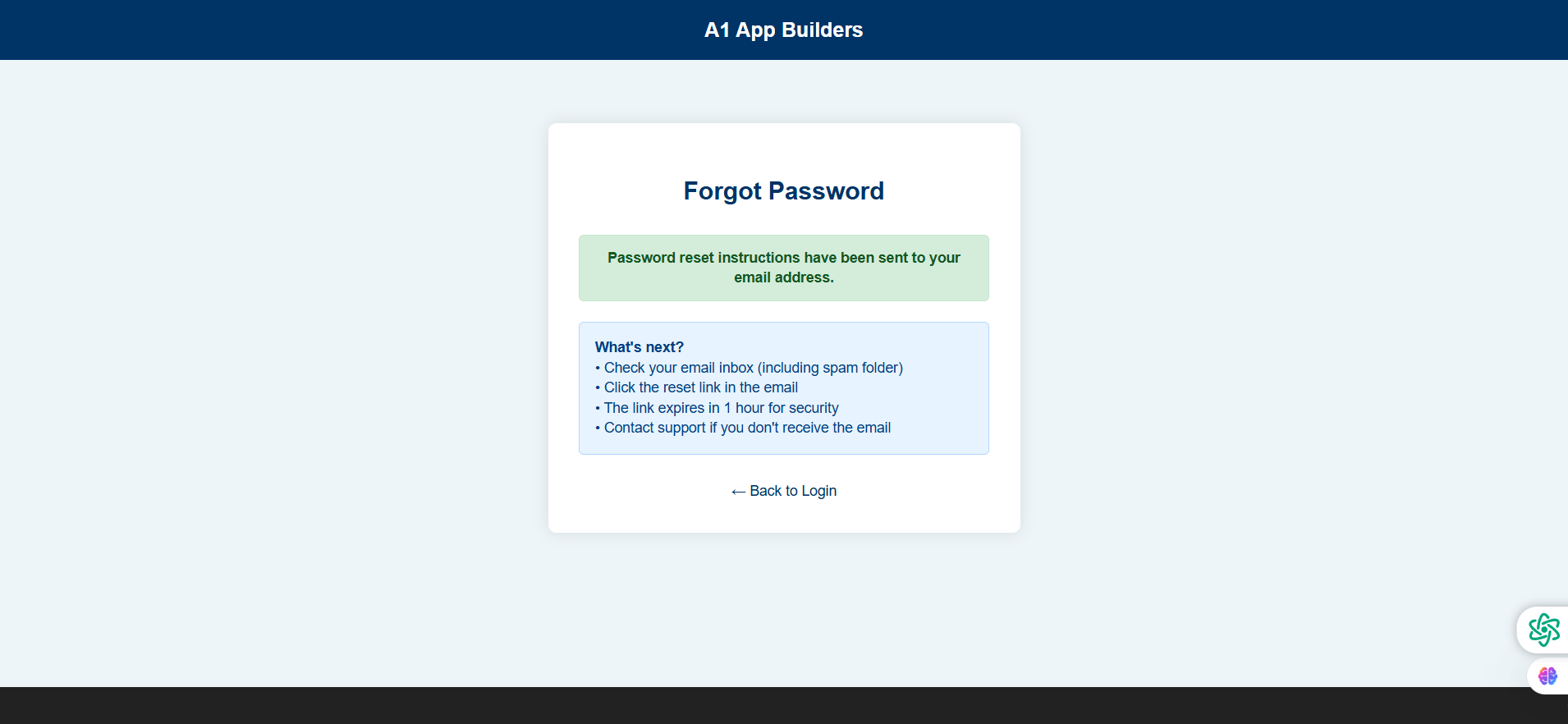
✅ Password Recovery - Step 2: Confirmation Page
This confirmation screen appears after the user successfully requests a password reset. It provides clear instructions on next steps and important security information about the reset link.
🔍 How It Works
- Success Message: Green confirmation banner states "Password reset instructions have been sent to your email address."
- Next Steps Guide: Blue information box titled "What's next?" provides step-by-step instructions.
- Instructs users to check their email inbox (including spam folder).
- Directs them to click the reset link in the email.
- Warns that the link expires in 1 hour for security.
- Suggests contacting support if email isn't received.
✨ Key Features
- Clear Status: Green success banner provides immediate visual feedback.
- Instructional Box: Light blue box with detailed guidance prevents user confusion.
- Security Notice: 1-hour expiration timeframe balances security with usability.
- Support Option: Offers help path if reset email doesn't arrive.
- Return Navigation: "← Back to Login" link allows users to proceed to login after following email instructions.
Policy:
All upgrades are free.
This is a try-before-you-buy product; no refunds are issued after purchase.