A 1 App Builders
⚙️ My Account Settings Page
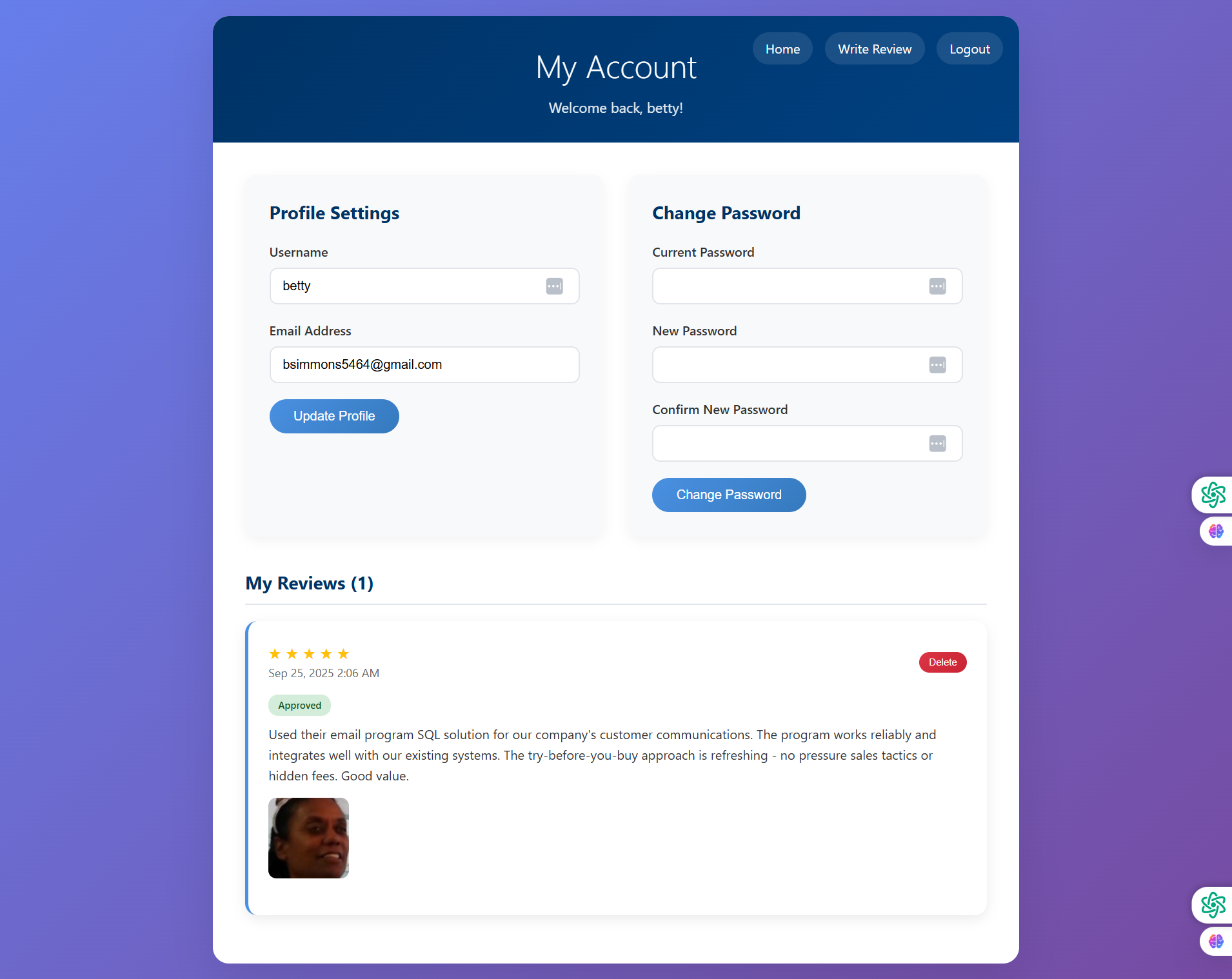
This comprehensive account management page allows users to update their profile information, change their password, and manage their existing reviews all in one location.
🔍 Page Sections
- Header: Dark blue gradient banner with "My Account" title and "Welcome back, betty!" personalization.
- Top Navigation: Home, Write Review, and Logout buttons.
- Profile Settings: Left column for updating username and email.
- Change Password: Right column for password security management.
- My Reviews: Bottom section displaying all user's submitted reviews.
👤 Profile Settings
- Username Field: Current username "betty" with edit icon (three dots).
- Email Address: Shows bsimmons5464@gmail.com.
- Update Profile Button: Blue rounded button saves profile changes.
🔐 Change Password Section
- Current Password: Required field with show/hide toggle for verification.
- New Password: Input with visibility toggle for entering new password.
- Confirm New Password: Verification field ensures accuracy.
- Change Password Button: Blue rounded button submits password update.
⭐ My Reviews Section (1)
- Review Card: Shows 5-star rating with submission timestamp "Sep 25, 2025 2:06 AM".
- Status Badge: Green "Approved" badge indicates review is published.
- Review Content: Full text of user's testimonial about SQL solution.
- User Photo: Uploaded customer image displayed within review.
- Delete Button: Red "Delete" button in top-right corner allows review removal.
✨ Key Features
- Two-Column Layout: Separates profile updates from password changes for clear organization.
- Password Security: Requires current password verification before allowing changes.
- Review Management: Users can view status and delete their own reviews.
- Status Indicators: Green "Approved" badge shows review publication status.
- Purple Gradient Background: Consistent with dashboard design aesthetic.
Policy:
All upgrades are free.
This is a try-before-you-buy product; no refunds are issued after purchase.