A 1 App Builders
Main Screen Features
Welcome to the Email Unsubscribe Confirmation System—a clean, user-friendly interface that confirms successful removal from mailing lists while maintaining positive customer relationships.
This confirmation screen provides clear feedback to users who have opted out of email communications, ensuring transparency and professionalism in subscriber management.
🌟 Key Features:
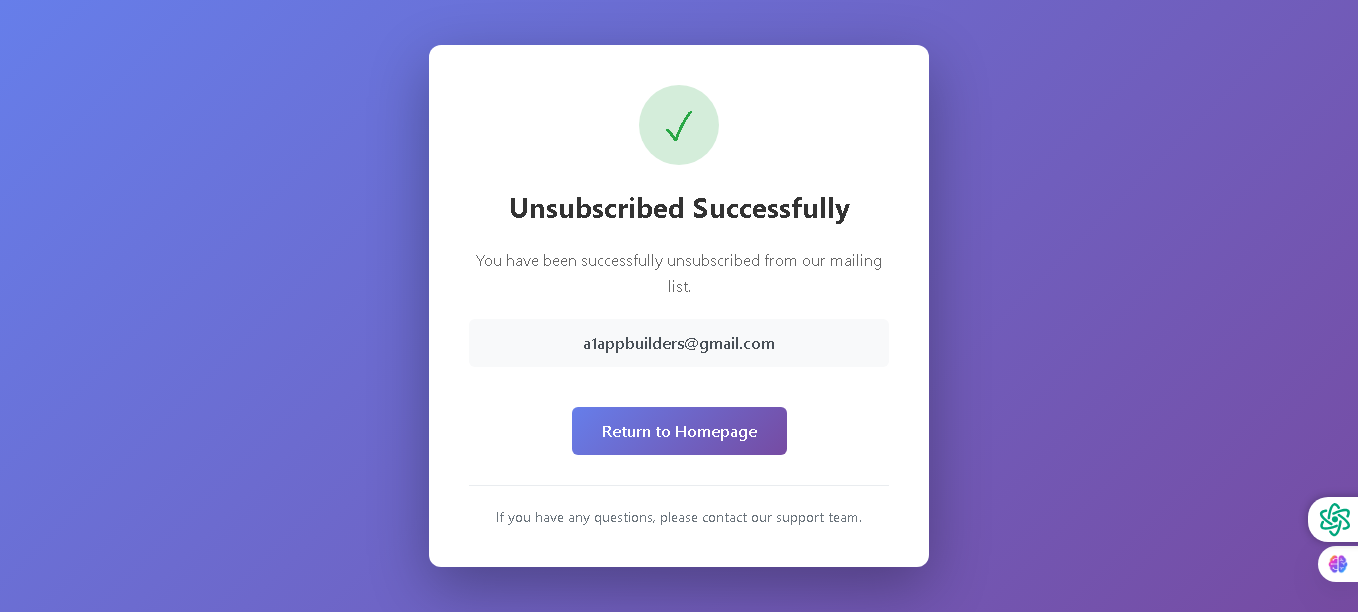
- Clear Success Indicator: A prominent green checkmark icon immediately confirms the action was completed successfully.
- Confirmation Message: Bold "Unsubscribed Successfully" headline with supporting text explaining:
- The user has been removed from the mailing list
- Confirmation of the specific email address unsubscribed
- Professional, respectful messaging throughout
- Email Display: Shows the exact email address that was unsubscribed (a1appbuilders@gmail.com) for:
- Verification – user can confirm correct email was processed
- Transparency – clear documentation of the action taken
- Navigation Option: Blue "Return to Homepage" button allows users to easily navigate back to the main website.
- Support Access: Footer text offering assistance: "If you have any questions, please contact our support team" maintains customer service availability.
- Modern Design: Purple gradient background with centered white card creates a professional, calming aesthetic that reduces user frustration.
💡 Why It Works
This unsubscribe confirmation page respects user choices while maintaining professionalism. Clear communication and simple design ensure users understand their request was processed, reducing confusion and support inquiries while preserving brand reputation even as subscribers leave.
Policy:
All upgrades are free.
This is a try-before-you-buy product; no refunds are issued after purchase.