A 1 App Builders
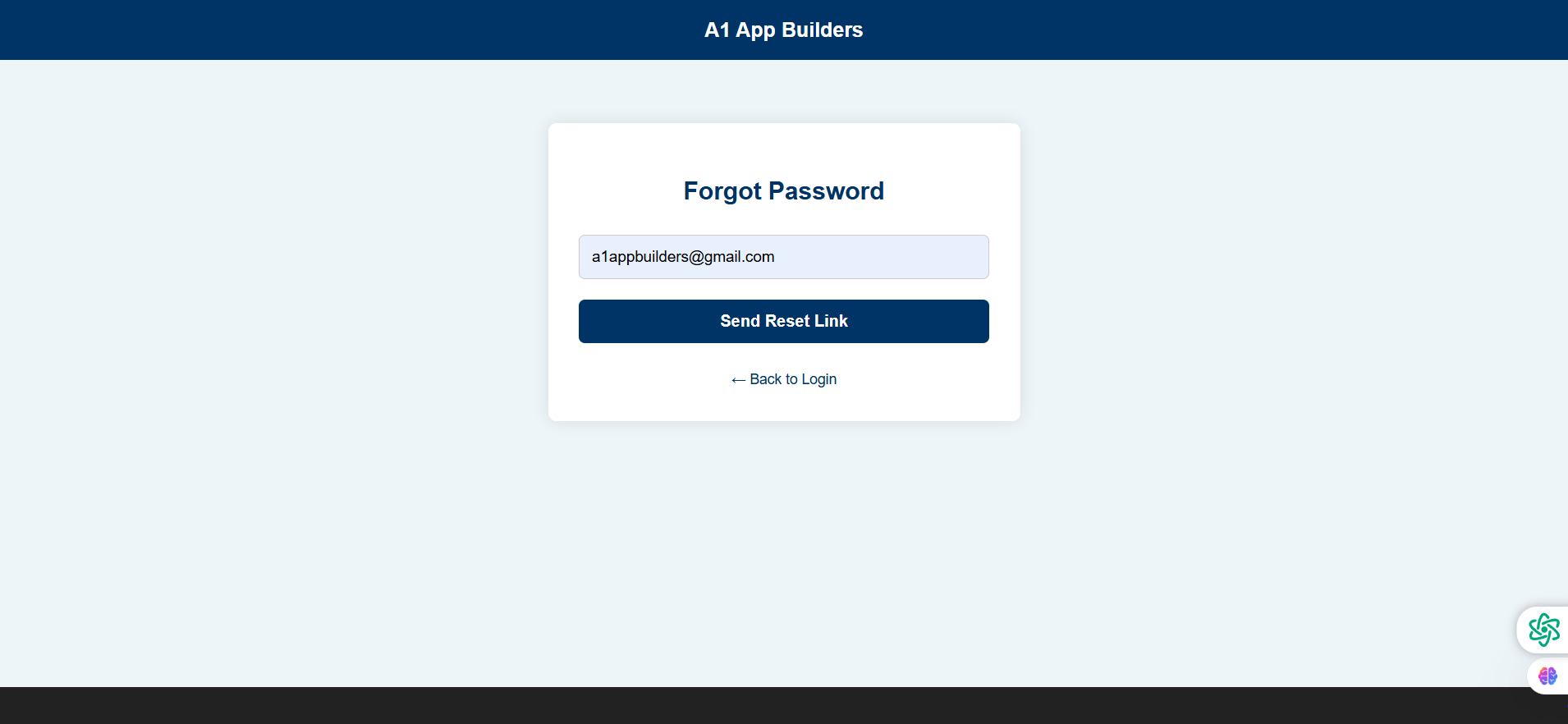
Navigate the A1 App Builders Password Recovery Form—the first step in the account recovery process allowing users to request password reset instructions. This streamlined interface features a single email input field and a prominent "Send Reset Link" button that initiates the password recovery workflow by sending secure reset instructions to the user's registered email address.
The layout emphasizes simplicity and clarity with minimal form fields, clear instructions, and a "Back to Login" link providing easy navigation return for users who remember their credentials during the recovery process.
🌟 Key Features:
- Page Header: Consistent branding featuring:
- Dark blue header bar with "A1 App Builders" logo
- Maintains brand presence throughout recovery flow
- Professional color scheme reinforcing trust
- Clean typography matching login interface
- Form Card Container: Centered recovery interface with:
- White rounded card with subtle shadow
- "Forgot Password" headline in navy blue
- Minimalist design reducing cognitive load
- Responsive layout adapting to device sizes
- Email Input Field: Account identification with:
- Light blue background input box
- Pre-filled example: a1appbuilders@gmail.com
- Full-width field for easy mobile interaction
- Clear visual indication of active input area
- Send Reset Link Button: Primary action featuring:
- Dark navy blue button with white text
- "Send Reset Link" clear action-oriented copy
- Full-width design preventing mis-clicks
- High contrast ensuring visibility
- Back Navigation: Return pathway including:
- "← Back to Login" link with left arrow
- Navy blue text matching brand colors
- Positioned below button for natural flow
- Allows users to abandon recovery if they remember password
- Visual Design: Clean interface styling with:
- Light gray/blue background (#E8F0F5)
- Centered single-column layout
- Ample whitespace improving readability
- Consistent spacing between elements
- Floating Action Buttons: Bottom-right utilities featuring:
- Green circular icon (possible chat support)
- Purple/blue circular icon (possible language/settings)
- Accessible help options during recovery
- Non-intrusive placement
💡 Why It Works
This password recovery form excels through radical simplicity—requesting only the essential email address reduces abandonment rates compared to multi-field verification forms. The "Send Reset Link" button copy clearly explains what happens next, managing user expectations. The "Back to Login" link respects user autonomy, acknowledging that users often remember passwords mid-recovery process and preventing frustration when they can't easily return. The pre-filled email example educates users on format expectations. The single-step process (just enter email and click) reduces friction in a moment when users are already frustrated about forgetting credentials. The floating action buttons provide help options without cluttering the main interface. The consistent branding and design language with the login page maintains orientation throughout the authentication flow. This streamlined approach balances security (requiring email verification) with user experience (minimal steps), creating an efficient recovery process that reduces support burden while maintaining account protection.
Policy:
All upgrades are free.
This is a try-before-you-buy product; no refunds are issued after purchase.