A 1 App Builders
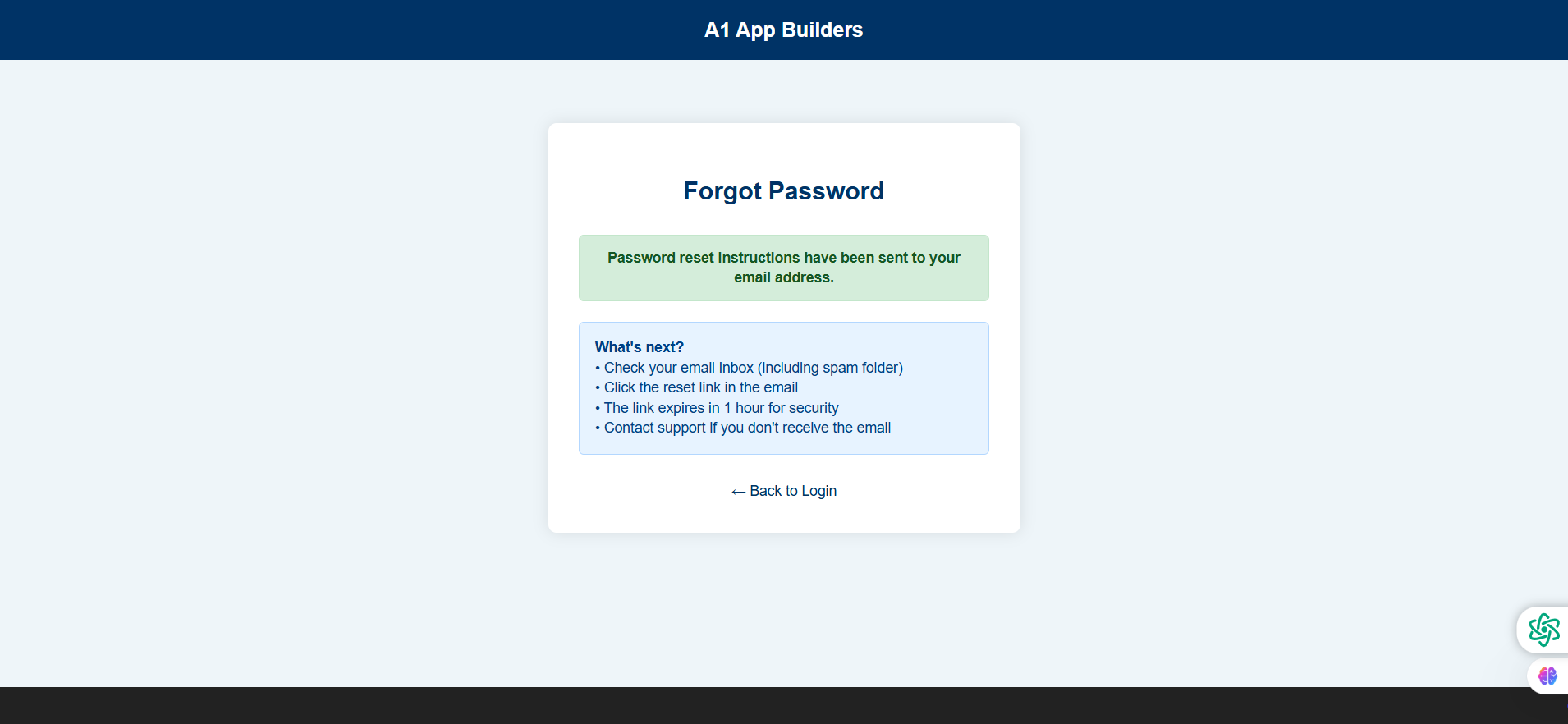
Experience the A1 App Builders Password Reset Confirmation Screen—the success page displayed immediately after requesting password reset instructions. This feedback interface features a green success message confirming email delivery and a detailed blue information box outlining next steps, security measures, and support contact options for users experiencing email delivery issues.
The layout prioritizes clear communication through color-coded message boxes, bulleted instructions, and a "Back to Login" navigation link, ensuring users understand exactly what to do next in the password recovery process.
🌟 Key Features:
- Page Header: Consistent branding with:
- Dark blue header bar displaying "A1 App Builders"
- Maintains visual continuity throughout recovery flow
- Professional appearance reinforcing trust
- Clean logo placement
- Form Card Container: Centered confirmation interface featuring:
- White rounded card with shadow effect
- "Forgot Password" headline maintaining context
- Two-section message layout with color coding
- Responsive design adapting to screen sizes
- Success Confirmation Box: Green notification stating:
- Light green background indicating success
- "Password reset instructions have been sent to your email address"
- Dark green text providing high readability
- Positive feedback reducing user anxiety
- Next Steps Information Box: Blue instruction panel with:
- Light blue background for informational content
- "What's next?" header organizing instructions
- Bulleted list of action items:
- • Check your email inbox (including spam folder)
- • Click the reset link in the email
- • The link expires in 1 hour for security
- • Contact support if you don't receive the email
- Security Communication: Transparent messaging including:
- 1-hour expiration notice preventing stale links
- Spam folder reminder reducing non-delivery concerns
- Support contact option for troubleshooting
- Clear action steps preventing user confusion
- Back Navigation: Return pathway featuring:
- "← Back to Login" link with directional arrow
- Navy blue text matching brand colors
- Positioned below instructions
- Allows return to login for immediate access attempts
- Visual Design: Professional styling with:
- Light gray background (#E8F0F5)
- Color-coded message boxes (green=success, blue=info)
- Consistent spacing and padding
- Clear typography hierarchy
💡 Why It Works
This confirmation screen prevents user anxiety through immediate, clear feedback about password reset request status. The green success box provides instant gratification confirming the action worked, while the blue "What's next?" section proactively answers the user's immediate question: "Now what do I do?" The spam folder reminder is critical—many legitimate emails land in spam, and without this reminder users might submit multiple requests thinking the first failed. The 1-hour expiration notice manages expectations about link validity while the security rationale prevents frustration ("why did it expire?"). The support contact option provides an escape valve for edge cases like typo emails or delivery issues. The bulleted format makes instructions scannable for anxious users who want quick information. The "Back to Login" link acknowledges that some users may have remembered their password or want to try logging in immediately. This comprehensive communication reduces support tickets by anticipating common questions and concerns, creating a smooth recovery experience that maintains trust during a potentially frustrating moment.
Policy:
All upgrades are free.
This is a try-before-you-buy product; no refunds are issued after purchase.