A 1 App Builders
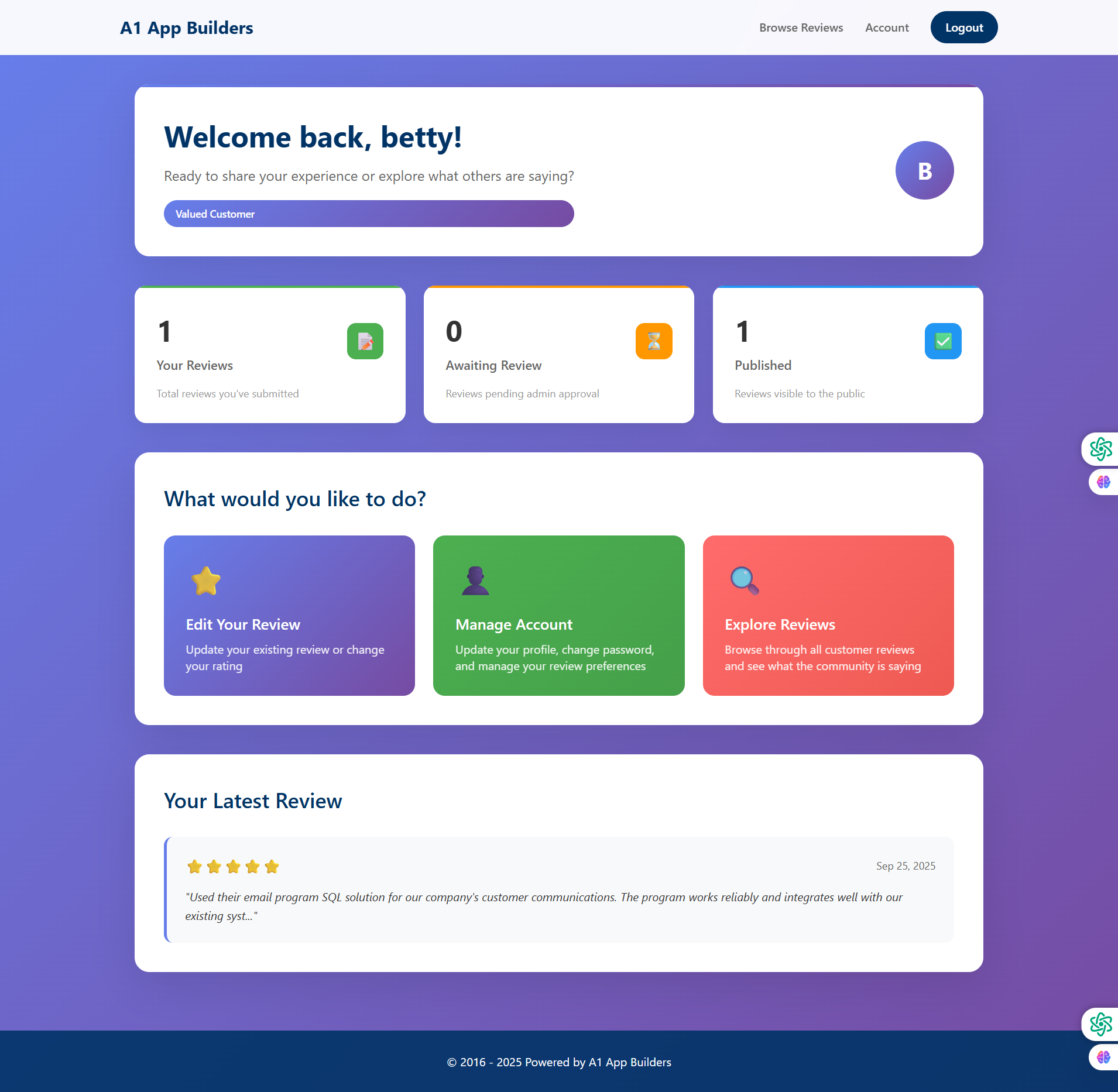
🏠 User Dashboard - Personalized Welcome
This is the main dashboard users see after logging in. It provides an overview of their review activity, status metrics, and quick access to key features. The interface welcomes users by name and displays their customer status.
🔍 Dashboard Sections
- Welcome Header: Purple gradient banner with personalized greeting "Welcome back, betty!" and profile avatar (B).
- Status Badge: "Valued Customer" badge displayed prominently below welcome message.
- Review Statistics: Three metric cards showing review counts and status.
- Action Cards: Three large colorful buttons for primary user actions.
- Latest Review: Preview of user's most recent submitted review with rating and excerpt.
📊 Metric Cards
- Your Reviews (1): Green card with document icon - total reviews submitted.
- Awaiting Review (0): Orange card with clock icon - reviews pending admin approval.
- Published (1): Blue card with checkmark icon - reviews visible to public.
🎯 Quick Actions
- Edit Your Review (Purple): Star icon - update existing review or change rating.
- Manage Account (Green): Profile icon - update profile, change password, manage preferences.
- Explore Reviews (Red): Magnifying glass icon - browse customer reviews and community feedback.
✨ Key Features
- Top Navigation: Browse Reviews, Account, and Logout links in header.
- Personalization: User's name appears in greeting and circular avatar.
- Visual Hierarchy: Card-based layout with color coding for different functions.
- Review Preview: Shows 5-star rating, date, and beginning of review text with user photo.
- Responsive Layout: Purple gradient background with white content cards.
Policy:
All upgrades are free.
This is a try-before-you-buy product; no refunds are issued after purchase.