A 1 App Builders
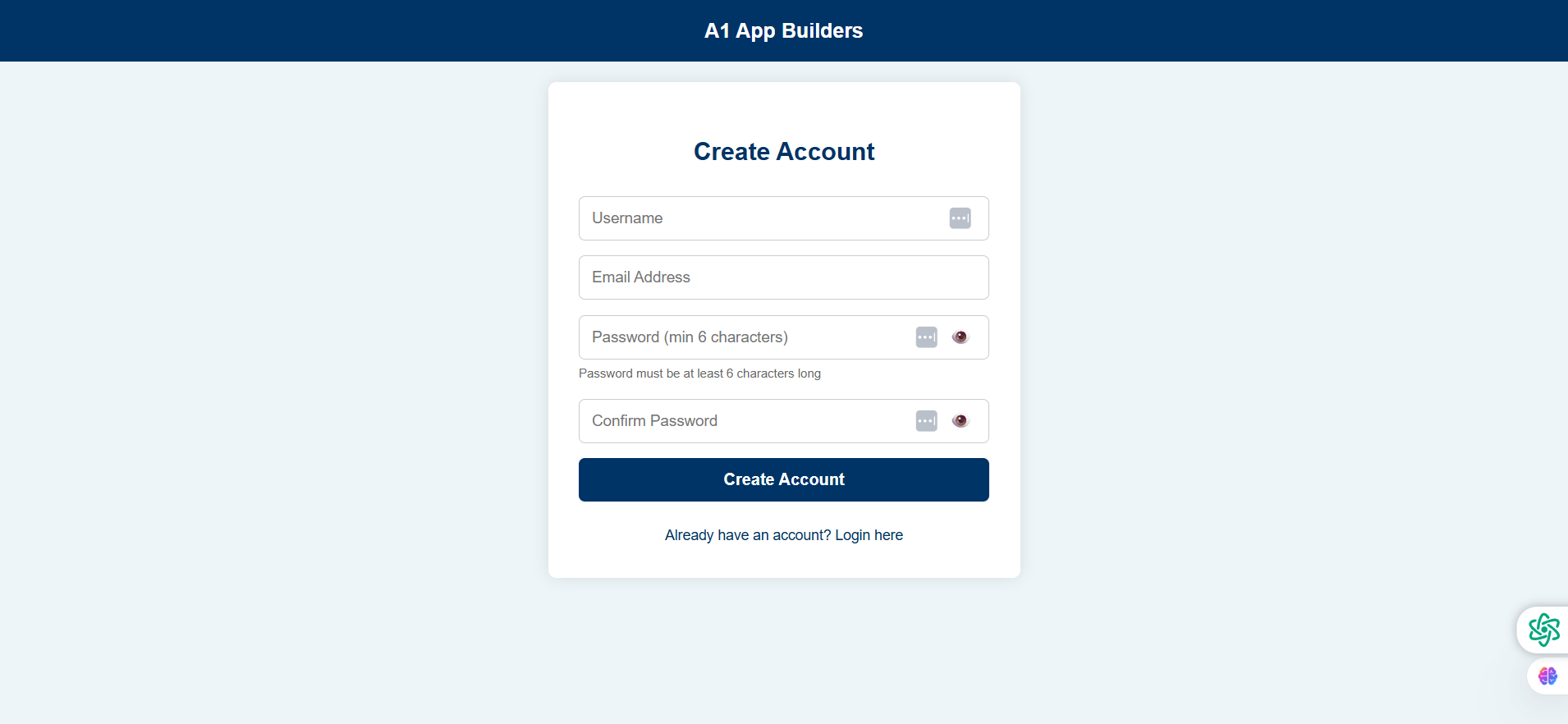
📝 User Registration Page
This account creation page allows new users to register for the A1 App Builders review system. It collects essential information while enforcing password security requirements.
🔍 How It Works
- User provides a unique username with suggestion icon for availability check.
- Enters valid email address for account verification and communication.
- Creates password (minimum 6 characters) with show/hide toggle icon.
- Confirms password in second field to prevent typos.
- Clicks "Create Account" button to submit registration.
- "Already have an account? Login here" link redirects existing users to login page.
✨ Key Features
- Username Assistance: Suggestion icon (three dots) may provide username availability or generation help.
- Password Validation: Inline helper text "Password must be at least 6 characters long" guides users.
- Visibility Toggles: Eye icons on password fields allow users to verify their entries.
- Password Strength: Visual indicators on both password fields (keyboard icons suggest strength checking).
- Responsive Design: Clean white card layout works across all devices.
- Clear Navigation: Login link prevents duplicate account creation.
🎯 User Experience
The form balances security requirements with user-friendliness. Password visibility toggles and inline validation help users successfully create accounts on their first attempt.
Policy:
All upgrades are free.
This is a try-before-you-buy product; no refunds are issued after purchase.