A 1 App Builders
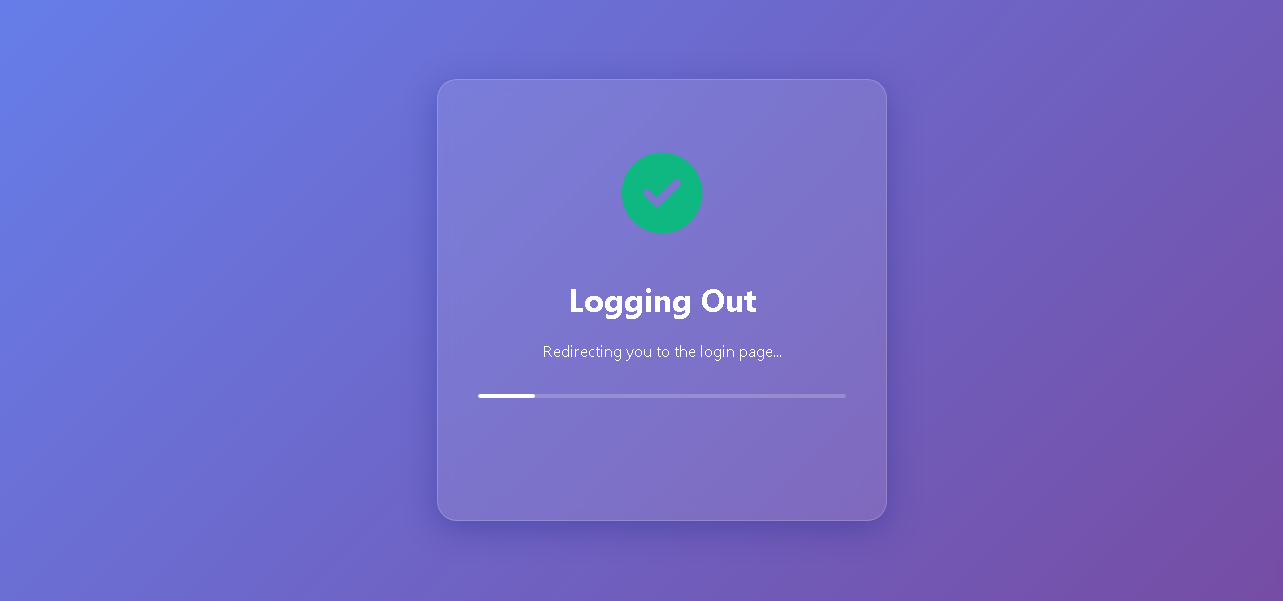
Welcome to the Logout Confirmation Screen—your account exit portal. This screen appears during the logout process, providing visual confirmation that your session is being safely terminated and that you will be redirected to the login page.
The logout screen is reassuring, clear, and designed for secure session management, giving users confidence that their account is being properly closed and they are being safely returned to the authentication page.
🌟 Key Features:
- Purple Gradient Background: A vibrant purple gradient backdrop creates a professional and cohesive visual experience matching the application theme.
- Logout Modal Card: A centered semi-transparent card container with:
- Large green circular checkmark icon at the top indicating successful logout initiation
- Bold white heading "Logging Out" for clear communication
- Descriptive text "Redirecting you to the login page..." explaining the next action
- Animated progress bar at the bottom showing logout process in progress
- Visual Feedback: The green checkmark provides immediate confirmation that logout was successful, while the progress bar communicates an active redirection process.
- User-Friendly Messaging: Clear, reassuring text informs users they will be redirected, preventing confusion about what happens next.
- Professional Design: Glassmorphic card effect with semi-transparent background, centered layout, and smooth animation convey a polished, secure logout experience.
💡 Why It Works
This logout confirmation screen builds user trust through clear, visual communication. The green checkmark immediately confirms logout success, the progress bar indicates active processing, and the descriptive message explains what happens next—eliminating uncertainty and ensuring users understand they are being safely logged out and redirected to the login page.
Policy:
All upgrades are free.
This is a try-before-you-buy product; no refunds are issued after purchase.